
End-to-end learner journey
Live session overview
A typical 1:1 video roleplay puts the AI partner front and centre, with a collapsible side panel for context and tools.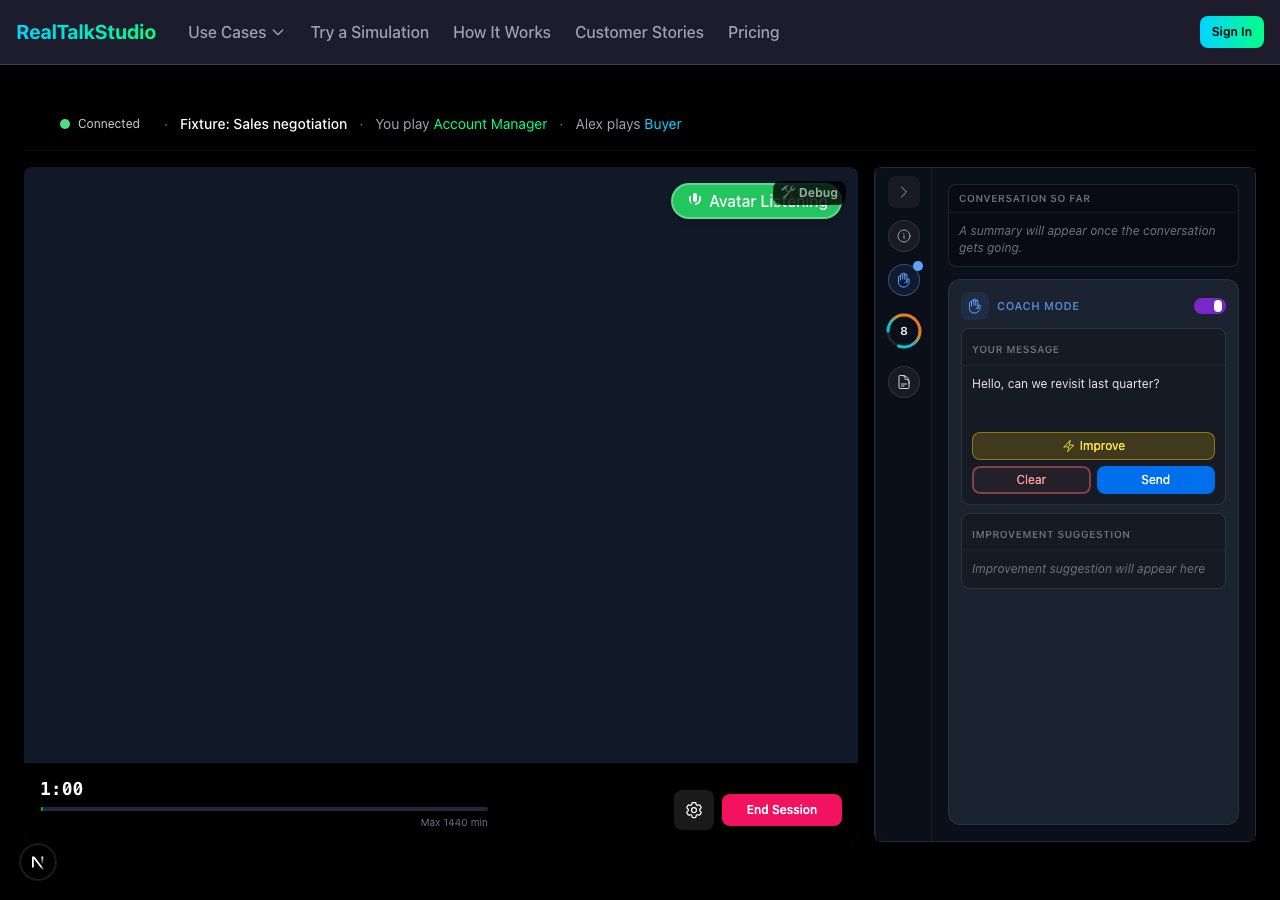
Live session — video avatar, side panel (Coach Mode, brief, transcript, Avatar Mind), and session timer.
Pre-session configuration
Before starting, learners configure the session on the practice start screen:- Language — practice language and voice locale
- Session format — Video (see and hear partner) or Audio only (phone-style, no video)
- Starting stance — AI partner personality or mood at open
- AI partner — when multiple personas are available
- Warm-up — optional simulate-before-live confidence check
- Mic test — microphone verification (and optional camera check when non-verbal feedback is enabled)
Corporate networks may block microphone or avatar streaming. If setup fails, see Troubleshooting and Firewall configuration.
Session formats
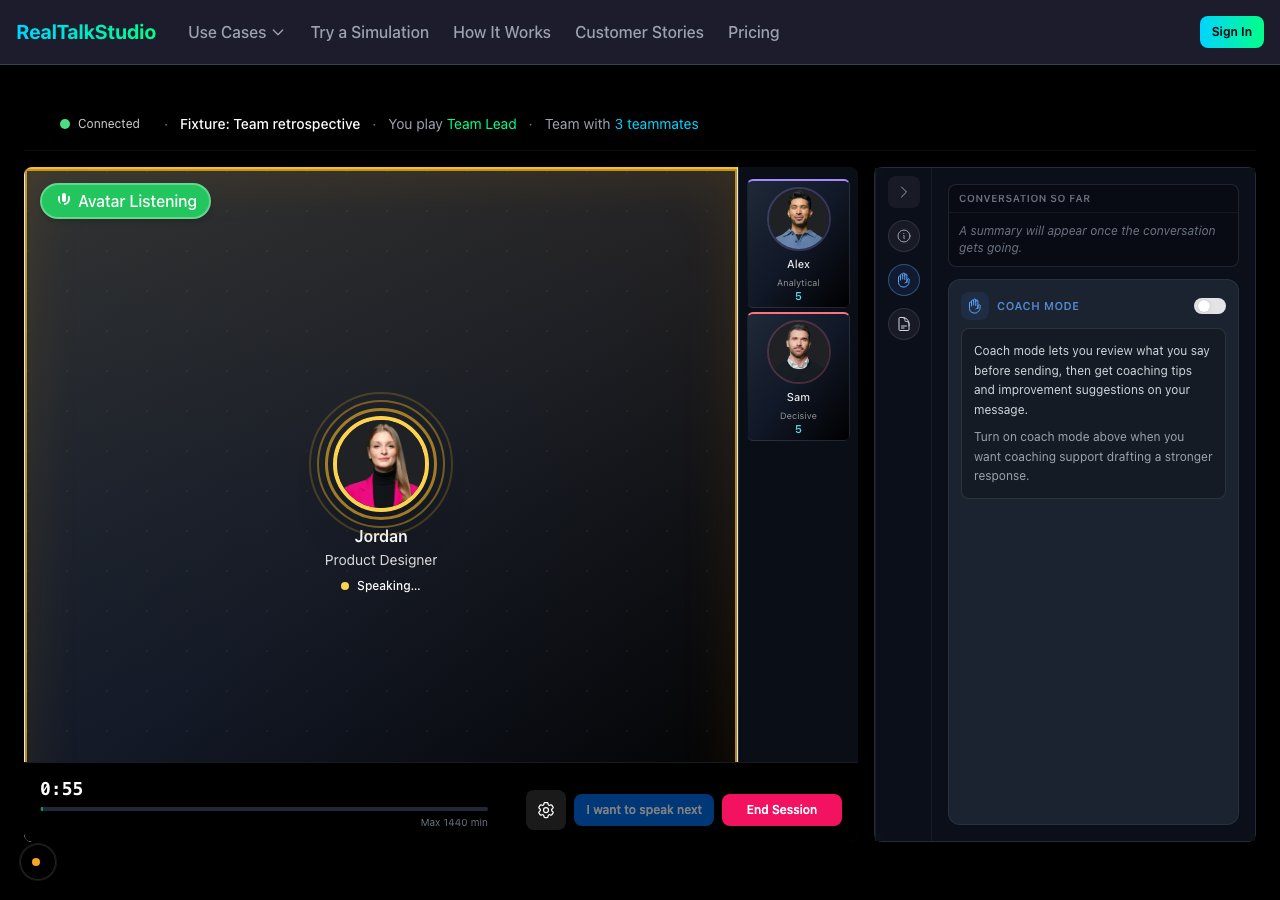
Team mode — multiple AI teammates in one session with turn-taking and per-avatar indicators.
In-session tools
- Coach Mode — Review your message before sending; receive improvement suggestions
- Account position panel — Scenario-specific customer or account facts as ground truth during the session
- Connection health — Status indicator and recovery if avatar video fails (session can continue audio-only)
- On-topic guardrails — Sessions warn and may end if conversation drifts too far off the scenario objective
Finding scenarios
How learners get into a studio (invite, SSO, embed, etc.) is covered in Admin & organizations — How learners access a studio.
Prerequisites
After the session
When the session ends, learners move to Feedback & evidence — or a Take Action compliance gate first for certain scenario categories (anti-bribery, harassment, MHFA). If the scenario has a coach attached, Debrief with me appears on the snapshot. See How to set up a coach debrief.Related
- Scenario creation — how scenarios are built
- LMS integration — practise inside your course without a separate studio login
- Supported languages — locale and voice options