
Scenario creation requires a trainer account type. Other account types see an upgrade prompt at Plan & billing. Creation flows are desktop-only (mobile is blocked).
AI Roleplay Builder
Primary entry point: Create AI roleplay (/create-ai).
The builder is a guided five-step wizard:
Template library
Start from pre-built templates grouped by category:- Sales — discovery, renewal, objection handling, and more
- Compliance — anti-bribery, harassment, policy conversations
- Management — coaching, performance, difficult conversations
- Customer service — complaints, vulnerable customers, escalations
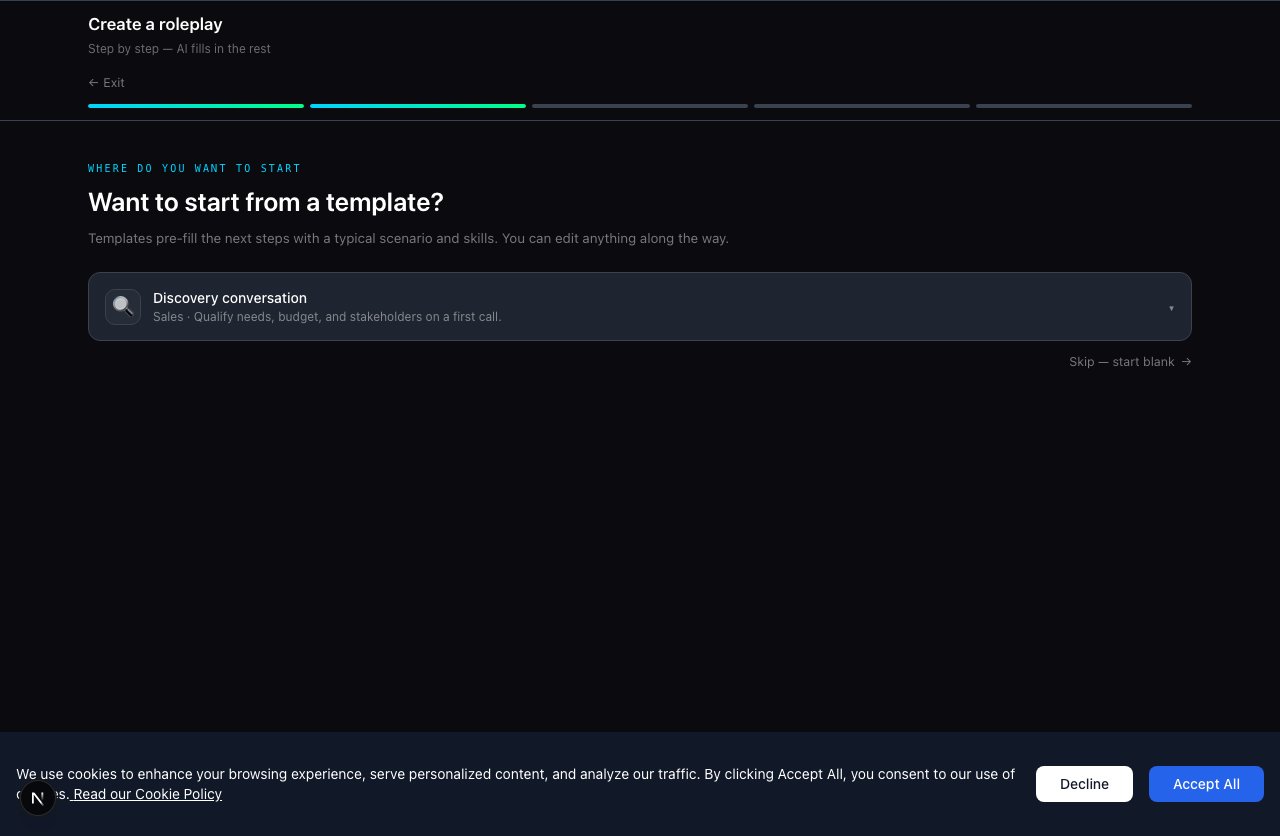
Template picker — choose a category and conversation type, or build from scratch.
Personas at the Roles step
When defining the AI partner, you can:- Generate new — set persona type, job title, company, and character description
- Use org persona library — pick a reusable persona from Organization → Personas (org admins)
- LinkedIn enrich (optional) — enrich character details from a LinkedIn profile URL
After generation
AI produces the full roleplay: scenario brief, avatar, scoring criteria, and conversation structure. You then choose:- Start practising — jump straight into a session
- Edit & refine — open the full authoring editor at
/edit-roleplay/[slug]
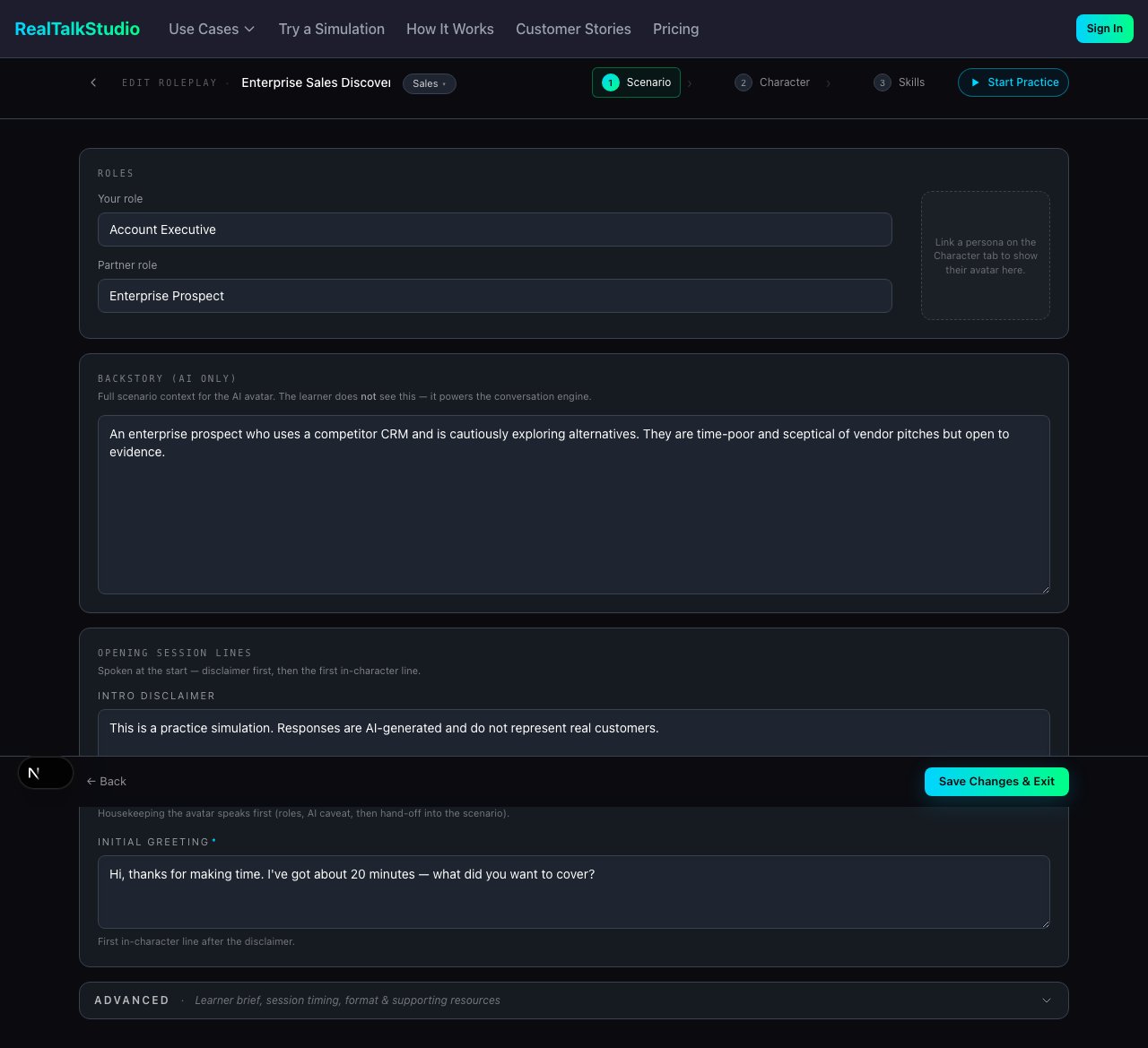
Roleplay created — start practising immediately or refine skills, avatar, and scoring in the editor.
Other scenario builders
Presentation practice is desktop-only.
Editing and refinement
Alternative creation paths
MCP (Beta)
Create roleplays from Microsoft Copilot Studio, Claude, or Slack via Model Context Protocol.
Add to studio
Curate org scenarios into a learner-facing studio catalog after creation.
Next steps
- Practice experience — what learners see when they run your scenario
- LMS integration — embed scenarios in your courses
- Admin & organizations — distribute scenarios to learners